Convert Jewelry Photos: JPEG to WebP
Last updated: March 31, 2026
Why Convert from JPEG to WebP?
WebP format offers significant advantages for jewelry e-commerce: smaller file sizes for faster page loads, better color accuracy for gemstone representation, and wider platform compatibility. Converting from JPEG ensures your jewelry images are optimized for modern web standards.
How to Convert
Step 1: Upload your JPEG jewelry photo. Step 2: Select WebP as the output format. Step 3: Choose quality settings (we recommend "High" for jewelry). Step 4: Download your converted image. For batch processing, upload multiple files simultaneously.
Quality Preservation
Our converter is specifically tuned for jewelry imagery. It preserves metallic reflections, gemstone color accuracy, and fine detail that generic converters often lose. Compression algorithms are optimized for the unique visual characteristics of jewelry photography.
Industry Context & Market Data
Understanding the broader jewelry photography landscape helps you make informed decisions about your visual strategy.
High-quality jewelry images reduce return rates by up to 22% compared to low-resolution listings.
Consistent product imagery across a catalog can increase average order value by 17%.
These statistics underscore why investing in professional-quality product imagery — whether through AI or traditional methods — is essential for any jewelry business competing in the modern marketplace. The brands that prioritize visual excellence consistently outperform those relying on amateur photography.
Common Mistakes to Avoid
Many jewelry sellers make these preventable photography mistakes that hurt their sales performance:
- Using a cluttered or distracting background that draws attention away from the jewelry
- Relying on a single angle when buyers need to see multiple perspectives to feel confident
- Inconsistent lighting across product listings, which makes your catalog look unprofessional
- Skipping image optimisation, leading to slow page loads that increase bounce rates
- Ignoring platform-specific image requirements that affect search ranking and visibility
- Using low-resolution images that appear blurry when customers zoom in
Each of these mistakes directly impacts your conversion rate. AI photography platforms like JewelryAI help you avoid most of these pitfalls by automating the technical aspects of product photography.
From Our Portfolio
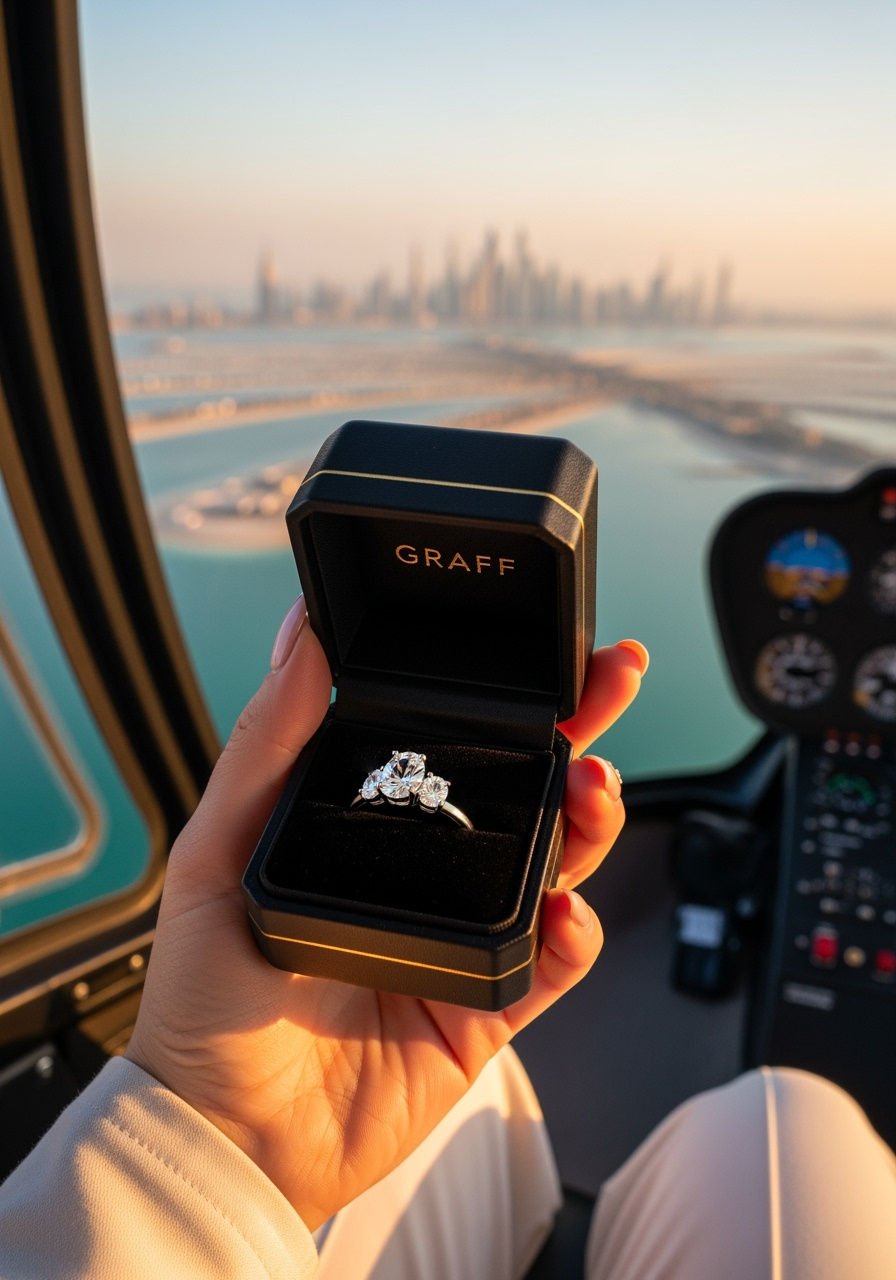

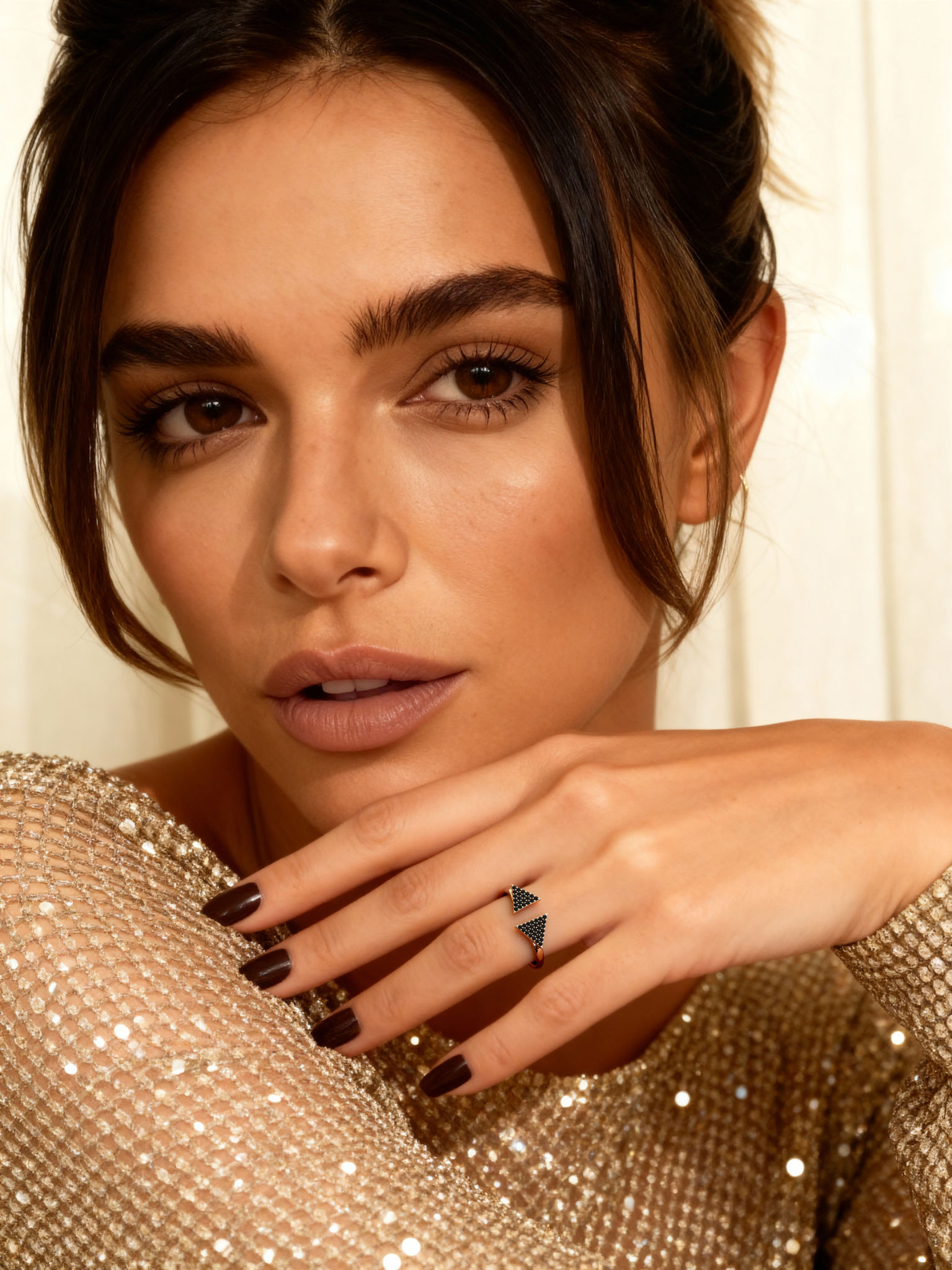
✦ Key Takeaways
- ✓Professional product photography is the #1 driver of online jewelry sales conversions
- ✓AI photography reduces costs by 70-90% while maintaining studio-quality results
- ✓Consistency across your catalog builds trust and increases average order value
- ✓Start with your best-selling pieces to see immediate ROI from improved imagery
- ✓Professional photography pays for itself through higher conversion rates
Frequently Asked Questions
Convert your jewelry photos now — free for your first 10 images.
Get Started Free